Business Operations
Job Completion Form: Free Template and Filled-Out Example
Finish each job with a clear record of the work, open items, and the next step for your customer.
Short answer: A job completion form records the work completed, the items still open, and the next action after a service visit. A useful form helps the customer understand the outcome and gives the office enough information to prepare an accurate update or invoice. Copy the template below and adapt it to your normal work agreement.
The end of a busy day is a difficult time to reconstruct every visit. A technician remembers one detail, the customer remembers another, and the office needs to know whether the work is ready for billing. A short form completed while the visit is fresh can make that handoff much easier for everyone.
Copy this job completion form
Keep completion, customer acknowledgment, and payment as separate pieces of information. If there is work still to do, describe it clearly and assign the next action rather than marking the entire job complete.
A practical job completion form template
JOB COMPLETION RECORD

Business:
Job reference:
Customer or organization:
Service location:
Visit date:
Team member(s):
Time on site, if relevant to your agreement:

AGREED WORK FOR THIS VISIT
[Brief description or reference to the approved scope]

WORK COMPLETED
[Specific tasks completed and relevant results]

MATERIALS OR PARTS
[Items used, or reference to the job record]

PHOTOS / SUPPORTING RECORDS
[References to approved files stored with the job]

VISIT STATUS
[ ] Completed as described
[ ] Partially completed — follow-up needed
[ ] Awaiting a part, decision, or return visit

OPEN ITEMS
Item:
Next action:
Assigned to:
Agreed update date:
Repeat for any additional item.

CUSTOMER UPDATE
What has been explained:
Preferred follow-up channel:
Any question needing an office reply:

OPTIONAL CUSTOMER ACKNOWLEDGMENT
Name:
Date:
I received a copy of this visit record.
Signature, if used:
If unavailable, note how the copy was sent:

OFFICE HANDOFF
Reviewed by:
Billing review: Ready / Needs clarification
Related invoice or estimate reference:
Next task and owner:

Payment status is recorded separately in the billing system.
What belongs in a useful completion record?
The form should describe the visit accurately enough that another employee can understand it without calling the technician. “Done” is rarely enough. “Replaced the agreed faucet washer, tested the fitting, and cleared the work area” gives the office a much more useful record.
- Use a job reference that matches the booking or work order.
- Record the visit date and the people who attended.
- Describe the approved work in recognizable terms.
- Separate completed work from recommendations for later.
- Identify any material change from the planned scope.
- List open items with a named owner and update date.
- Link photographs or notes to the correct job.
- Record what the customer was told before the team left.
If an additional task needs approval, put it in the follow-up section. It should not quietly become part of the completed billable work. The original agreement and your usual approval process still govern what can be charged.
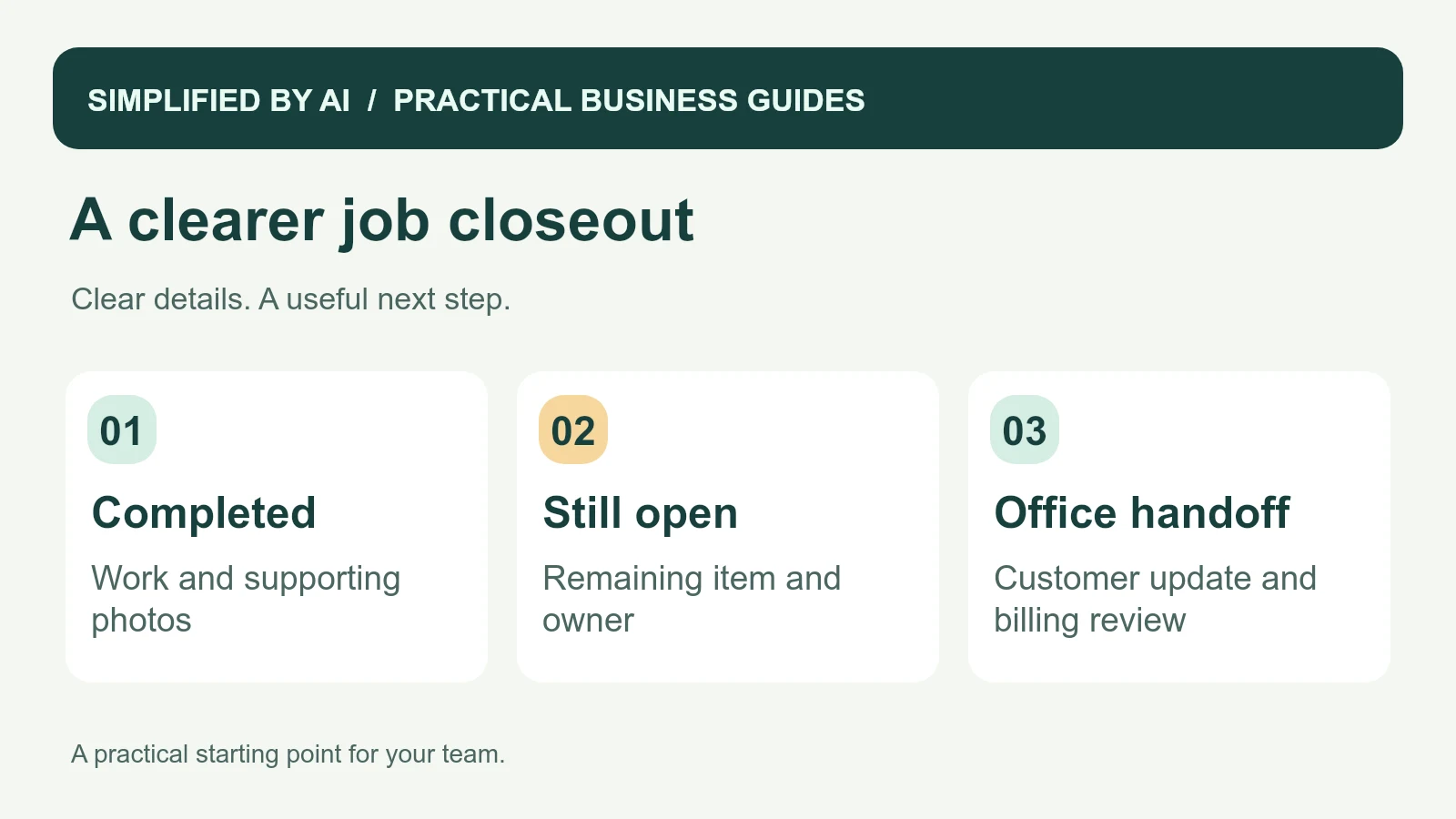
A filled-out job completion form example
This fictional example shows a maintenance visit with one finished task and one open item. The completed work can be reviewed for billing, while the missing part has its own owner and follow-up date. The form does not imply that the return visit is already booked.
Example: a completed repair with an open follow-up
JOB COMPLETION RECORD — ILLUSTRATIVE EXAMPLE

Business: Cedar Lane Maintenance
Job reference: CL-318
Customer: Willow Studio
Service location: Willow Studio, reception and kitchenette
Visit date: October 8, 2026
Team member: Jordan

AGREED WORK
Repair the loose cabinet hinge and inspect the sticking drawer.

WORK COMPLETED
Re-secured the cabinet hinge and checked that the door closes correctly.
Inspected the drawer slide. A replacement part is needed before that repair can be completed.
Work area left clear.

MATERIALS
Replacement hinge screws from van stock.

SUPPORTING RECORDS
Photo CL-318-01: repaired hinge
Photo CL-318-02: drawer slide requiring replacement

STATUS
Partially completed — follow-up needed.

OPEN ITEM
Item: Drawer slide replacement
Next action: Confirm part availability and send a proposed return-visit option
Assigned to: Casey, office coordinator
Customer update due: October 9, 2026

CUSTOMER UPDATE
Morgan was told which repair was completed and why the drawer needs a return visit.
Preferred follow-up: Email.

OFFICE HANDOFF
Billing review: Check the approved scope before preparing the invoice.
Next task: Casey to contact the parts supplier and update Morgan.
Payment status: See billing record.
Customer acknowledgment: Morgan received a copy by email; no signature collected.
Office reviewer: Casey, October 8, 2026.
The office now has enough information to answer a customer call without guessing. It can also check that the bill describes the completed repair accurately. For help turning several notes and photos into a concise office summary, see our job closeout summary guide.
Make the field-to-office handoff easy
Choose a point in the visit when the form can be completed comfortably, such as before leaving the site or at the next safe break. Give the office one reliable place to find it. A photographed paper form may work at first; a shared job record may be easier when the team grows.
- The attending employee records the work and supporting details.
- The customer receives a clear explanation of the outcome.
- The office checks scope, open items, and missing information.
- Any follow-up gets an owner and a review date.
- Billing is prepared from the approved record.
- The customer receives the next update through the agreed channel.
Use your customer intake details to connect the visit to the original request. If a return appointment is agreed, an appointment confirmation message helps everyone work from the same time and location.
Use acknowledgment and payment fields accurately
The optional acknowledgment here records receipt of a copy. If you need formal acceptance, a waiver, warranty wording, or approval of charges, use the appropriate wording for your contract and have a qualified adviser review it. This general form is not legal advice or a substitute for industry-specific documents.
Likewise, a completion form is not a payment receipt. If the customer pays during the visit, record the transaction through your normal billing process. If an invoice later becomes overdue, use a courteous invoice reminder based on the actual remaining balance.
Keep records useful and protect private information
The IRS identifies invoices and receipts as supporting business documents. Connect your completion record to these records rather than using it as a replacement for them. Ask your bookkeeper or adviser about the retention requirements that apply to your work.
For privacy and security, keep photos relevant to the service and share them only with appropriate people. The FTC's business information guidance supports limiting unnecessary data. Avoid putting access codes or unrelated personal details into a record that will be widely circulated.
Use specific notes that another employee can act on. “Waiting for replacement drawer slide; Casey will update Friday” identifies both the task and its owner. An unexplained abbreviation or “follow up needed” leaves the next person rebuilding the context.
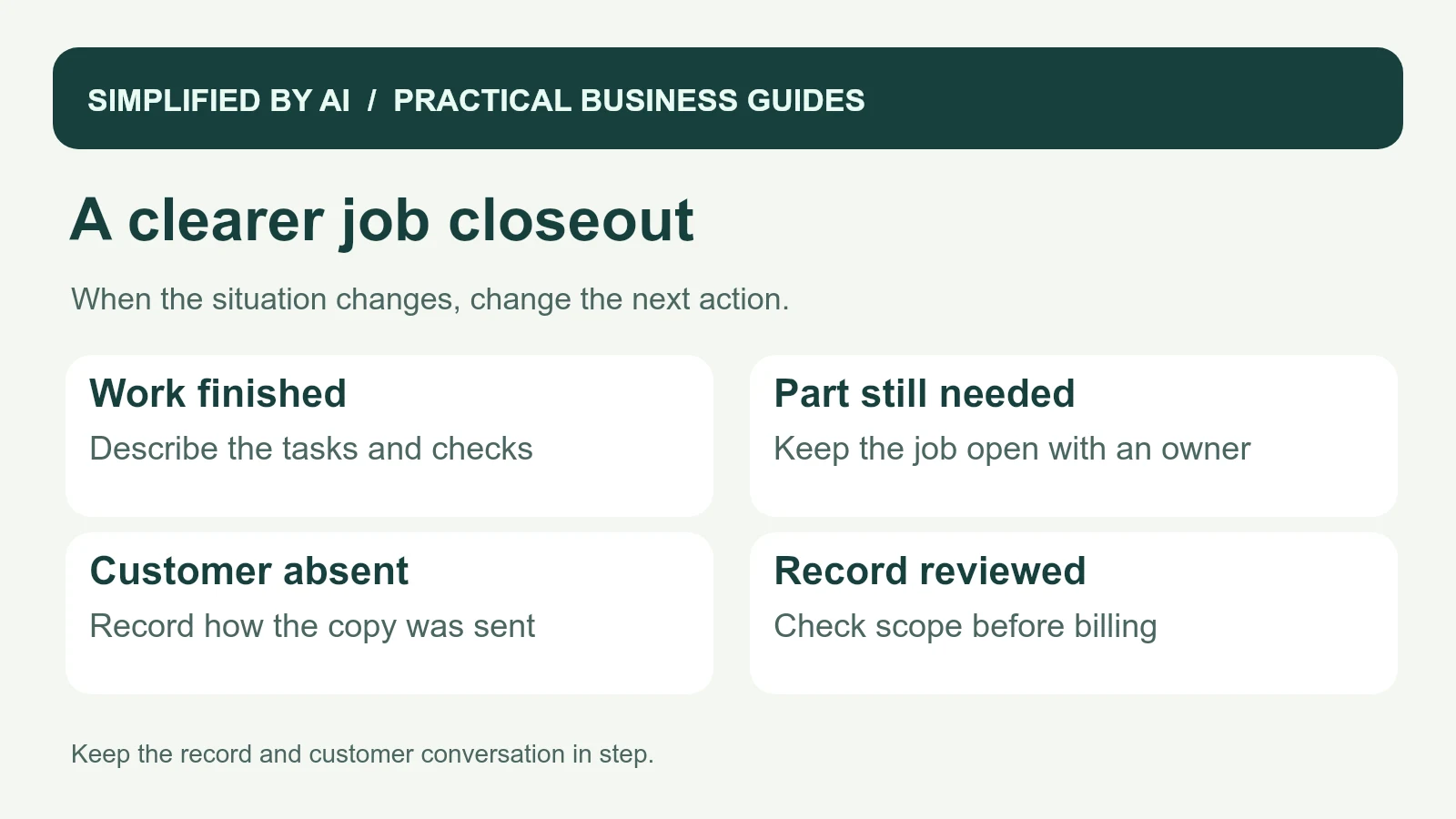
Close the visit without losing the unfinished work
| What happened? | How to record it |
|---|---|
| All agreed work completed | Describe the tasks and checks; send the record to the office for billing review. |
| A part or decision is outstanding | Choose partial completion or awaiting follow-up. Give each open item its own owner and update date. |
| The customer is absent | Record the visit facts and how the copy was sent. Leave the signature blank. |
| The customer questions the result | Record the concern in their words, assign a review, and agree when they will hear back. |
| Extra work was suggested but not approved | List it as a recommendation or open item; keep it out of the completed-work section. |
In the Cedar Lane example, the visit record is finished, but the overall job stays open because the drawer still needs attention. Casey can review the hinge work for billing without losing the return-visit task. Try the form on these different situations and ask the office whether it can answer “What happened, what is next, and who owns it?” without another call to the field.
Adjust fields that nobody uses and add help text where the same question keeps returning. If staff are still rebuilding summaries from scattered notes, our reporting automation service can help create a more consistent closeout while keeping the team responsible for the facts.
Frequently asked questions
What is a job completion form used for?
It records what happened during a service visit, what was completed, what remains open, and who should follow up. The office can use it to prepare customer updates and review billing details.
Does a signed job completion form prove the invoice is paid?
No. Acknowledging a visit or completed work is different from recording payment. Keep payment status in the billing system and use a separate receipt when money is received.
Can I use the form when part of the job is unfinished?
Yes. Mark the status as partially complete or awaiting follow-up, describe the remaining item, and assign an owner. Keep that item visible until someone confirms it has been resolved.
Does every completion form need a customer signature?
That depends on your contract and process. This template includes an optional acknowledgment. Ask a qualified adviser about any required acceptance wording and keep the form aligned with your agreement.
Make the handoff from field to office smoother
We can help turn job notes, photos, and remaining tasks into an organized closeout process that supports customer updates and billing preparation.