Business Operations
Customer Intake Form Template for Service Businesses
Get the details you need for the next step without asking customers to fill out a long questionnaire.
Short answer: A customer intake form template helps you gather the details needed to respond to a new inquiry: who is asking, what they need, where the work will happen, and how to reach them. Use the short form below as a starting point, then adapt it to the next decision your team actually needs to make.
For a small business handling requests through calls, emails, and website messages, small details are easy to miss. A simple form gives customers a comfortable place to explain the problem and gives your staff a useful starting point. You can copy this version into a document, email, or form builder without creating an account here.
Copy this customer intake form template
Keep the contact method flexible: ask for at least one suitable reply channel rather than forcing every customer to provide both a phone number and an email address. Fields marked “optional” can be removed if your team does not need them.
A short service-business intake form
CUSTOMER SERVICE REQUEST

Your name (required):
Business or organization, if relevant:
How would you like us to reply? Phone / Email (required)
Phone number or email address for your chosen method (required):

What service are you interested in? (required; “not sure” is fine)
Briefly describe what you would like help with (required):

Where is the service needed?
Town or ZIP code (if needed to check coverage):
Full service address, if needed to assess the request:

Preferred timing (optional):
Are there any dates or availability limits we should know about? (optional)

Is there an access or scheduling detail we should discuss privately? (optional)
Please do not include keysafe codes, passwords, payment card details, or sensitive personal information.

Would you like to attach a relevant photo or document? (optional)
Only share material you are authorized to provide.

NEXT STEP
We will review your request and contact you to discuss the next step.
Submitting this form does not reserve an appointment or approve a quote.

[Add your business contact details and a link to your privacy notice.]
If you promise a response time, replace the next-step sentence with a timeframe your team can consistently meet. A busy owner should not have to choose between breaking a promise and interrupting an urgent job. A clear, realistic expectation is more useful than an optimistic one.
Choose required fields around the next action
Imagine the employee reading a submission. What must they know to reply, check the service area, or prepare an estimate visit? Make those details required. Leave deeper project questions for the conversation that follows. A long first form can ask customers to solve questions they hoped your business would help them understand.
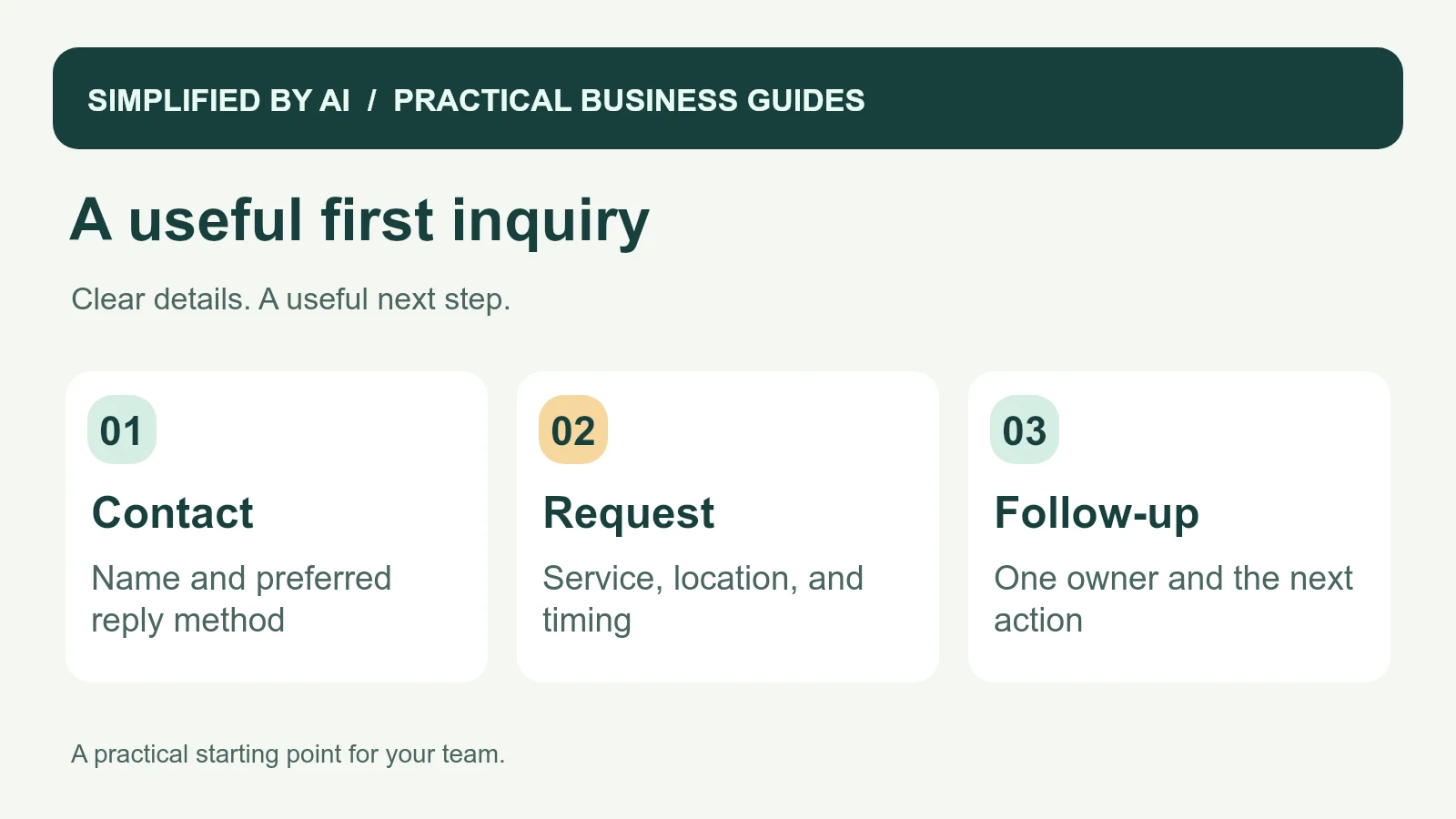
- Name: gives the conversation a recognizable person.
- One reply method: lets the team respond through the customer's chosen channel.
- Service requested: helps direct the inquiry to the right employee.
- Brief description: explains the problem in the customer's own words.
- Location: supports a service-area check when geography matters.
- Timing: distinguishes a future project from a request needing a prompt conversation.
Use everyday labels. “What would you like help with?” is easier to answer than “Scope requirements.” If customers often select the wrong service, change the label or add a short example before adding more required questions.
A completed intake form example
The following fictional request uses a reserved example email address. The full street address is deliberately deferred until an onsite visit is needed. Office notes stay in the staff record; they are not part of the customer's submitted form or receipt.
Example: an inquiry about recurring cleaning
CUSTOMER REQUEST — ILLUSTRATIVE EXAMPLE

Name: Morgan
Business or organization: Willow Studio
Preferred reply: Email
Reply address: morgan@example.com

Service: Recurring office cleaning
Description: We would like a quote for cleaning our small office twice a week. The main concern is keeping the reception area and meeting room ready for clients.

Town: Springfield, Missouri
Full address: Not provided at inquiry stage; collect before an onsite visit
Preferred timing: A conversation this week; service could start next month
Access or scheduling detail: Please arrange the estimate outside our client appointments
Attachment: None
Casey checks that Springfield is served by this fictional business, then assigns the follow-up in the staff record. The request is still an inquiry; no price or appointment has been agreed.
Staff-only follow-up example
Request: Willow Studio recurring office cleaning
Received: October 14, 2026
Assigned to: Casey, office coordinator
Service-area check: Springfield is within this business's coverage
Next action: Offer two times for a short call by email
Status: New inquiry; no appointment booked
Review date: October 15, 2026
Example: the first useful reply
Subject: Your Willow Studio cleaning inquiry

Hi Morgan,

Thanks for explaining what Willow Studio needs. We serve Springfield and can discuss twice-weekly office cleaning.

Would a short call on Thursday, October 15 at 10 a.m. or Friday, October 16 at 2 p.m. Central work for you? We can go through the rooms, approximate office size, and a suitable time for an estimate visit.

Please reply with the time you prefer, or suggest another. We will confirm the arrangement with you before booking anything.

Thanks,
Casey
Our cleaning business workflow guide shows how the agreed details can later support scheduling and crew preparation.
Adapt the form to your type of business
For a contractor, add an optional project photo and a question about whether the customer wants repair, replacement, or advice. For a cleaning business, ask about property type and approximate size only if those details help plan the estimate. For a consultant, replace the service-address question with the business challenge and people involved.
Keep appointment requests separate from confirmed bookings. A customer can suggest Tuesday afternoon without knowing your availability. Once a time is agreed, send an appointment confirmation with the actual date, time, and reply option.
Set up the fields in your form builder
- Required: name, service, short request description, and a usable reply method.
- Conditional: show the email field for email replies or phone field for calls. If your tool cannot do this, use one clearly labeled “Phone number or email” field and review it before responding.
- Location: require town or ZIP code only if you need it to check coverage. Ask for a full address later if it is not yet needed.
- Optional: availability limits, organization, and relevant attachment. Offer “Other / I am not sure” alongside named services.
- Confirmation: explain the next step after successful submission. Keep typed answers available if the form reports an error.
Customer submission receipt template
Thanks for contacting [business]. We have received your [service] request.

[Team or person] will review it and contact you by [response time your team can meet], using your chosen contact method.

This is a request receipt; no appointment or price has been agreed yet. If you need to update your request, contact [monitored contact details] and quote [request reference].
For a busy small business, checking the notification is as important as building the form. Send a test request, leave out a required answer, and try again from a phone. Confirm that only a successful submission creates the receipt and that an employee can find and own the request.
Turn a submission into an owned follow-up
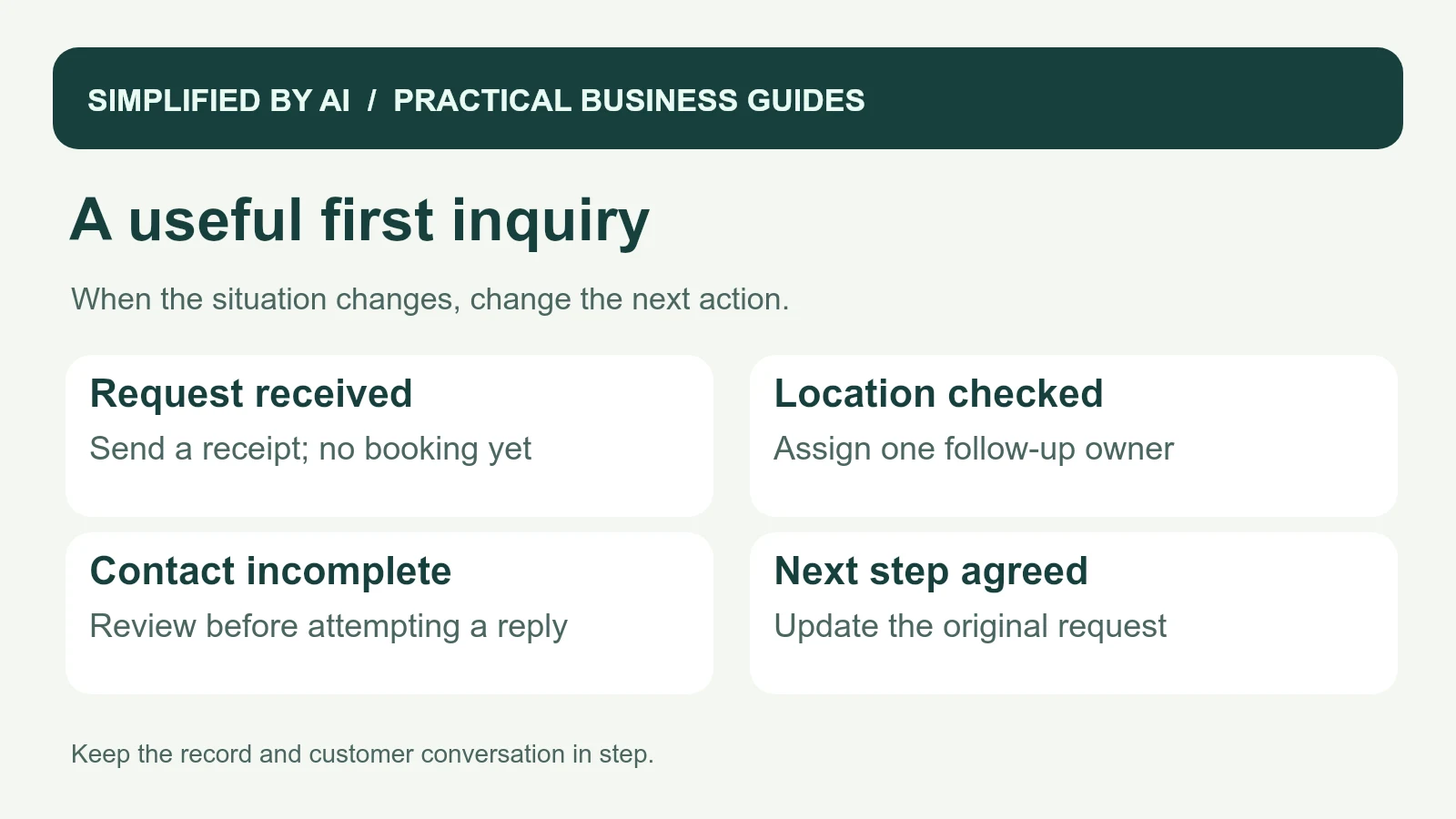
A completed form is the beginning of the conversation. Put new submissions in a place the team checks, assign one owner, and record the next action. If several employees receive the notification, make the assignment visible so the customer does not get duplicate replies or no reply at all.
For example, the office might review new inquiries at set points during the working day. The owner checks service fit, replies through the requested channel, and changes the status to “Waiting for customer,” “Estimate booked,” or “Not proceeding.” A shared inbox workflow can keep those conversations organized.
Collect the right details with care
Include a privacy notice that explains how your business uses the information. The FTC's guidance on personal information supports collecting only what you need. Use a separate appropriate process for sensitive documents, payment details, or property access instructions.
Check who can view submissions and where notification emails go. The FTC's Start with Security guide recommends limiting unnecessary access. An employee responding to inquiries needs the request, while a public calendar or shared marketing list usually does not need the full submission. Get qualified legal advice if your business collects regulated information or needs specific consent wording.
Test the form before relying on it
Try a complete request, a missing contact method, an unfamiliar service, and an attachment your team cannot open. Check that the confirmation message explains what happens next and that the assigned person can find the submission. Review the first few inquiries to see which questions cause confusion.
Measure how many requests need another email just to establish the basic details. Also track the time to a useful response and any inquiries left without an owner. When a customer agrees to proceed, move the confirmed information into your client onboarding checklist instead of making them start again. If this handoff is still awkward, our workflow automation service can help connect it.
Frequently asked questions
What should a customer intake form include?
Start with the customer's name, a suitable reply method, the service requested, a short description, and any location or timing details needed to respond. Keep optional questions clearly marked.
How long should an intake form be?
Make it short enough to complete comfortably on a phone. Ask only what your team needs for the next useful action, and collect detailed project information later when it becomes relevant.
Can I use this template in Google Forms or another form builder?
Yes. Copy the field labels and help text into your preferred tool, choose which fields are required, and test the form on a phone. Check sharing and notification settings before collecting real inquiries.
Is an intake form the same as an onboarding checklist?
An intake form gathers information about a request. An onboarding checklist organizes work after a customer agrees to proceed. Connecting the two helps staff avoid asking the same questions again.
Turn complete inquiries into easier follow-up
If requests arrive in several places or key details keep going missing, we can help build a simple intake and follow-up process around your business.