Customer Communication
Appointment Confirmation Text: 12 Ready-to-Use Examples
Help customers know they are booked, where to be, and how to ask for a change.
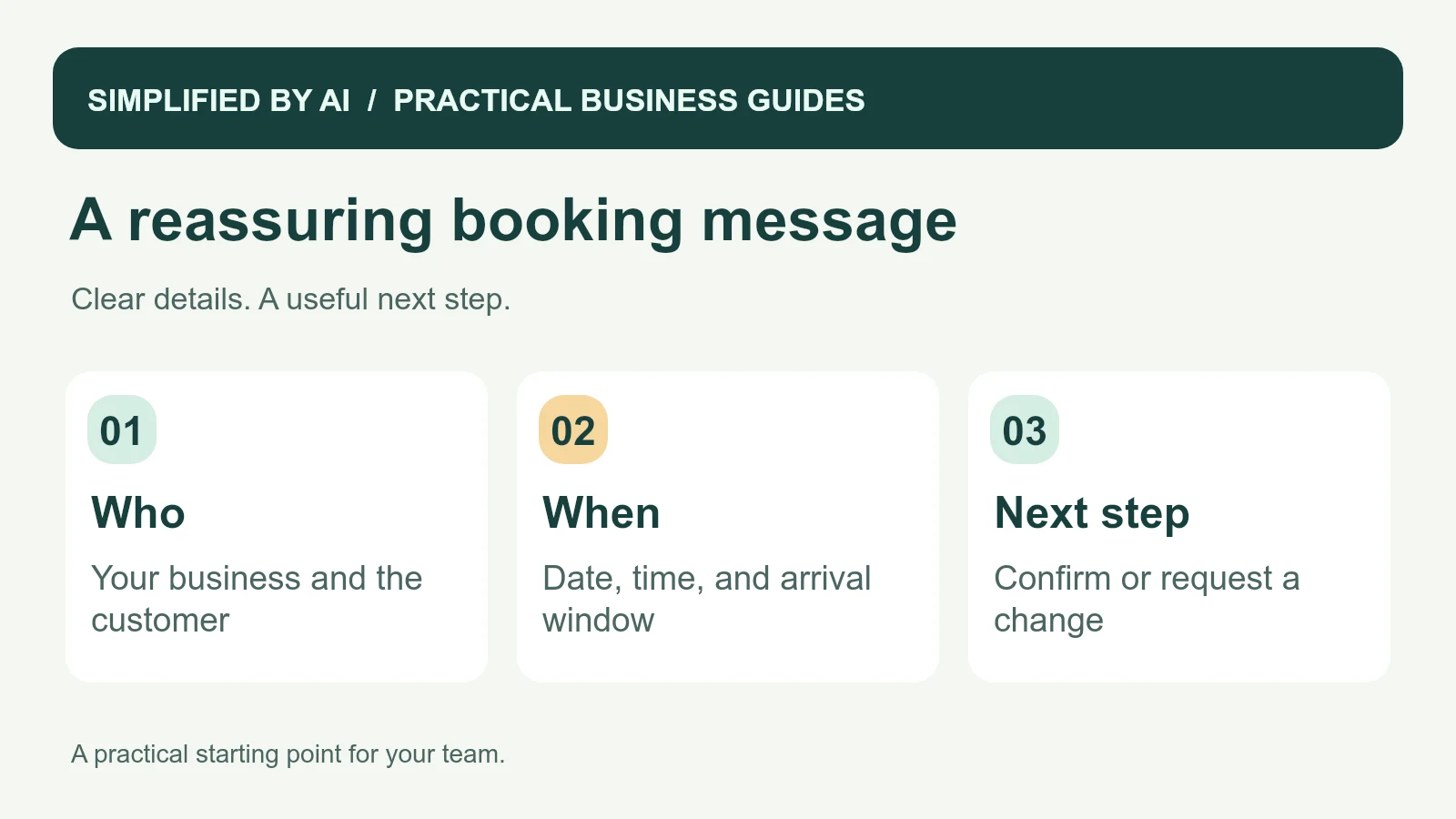
Short answer: An appointment confirmation text tells a customer their booking is accepted and repeats the details they need: your business, service, date, time or arrival window, and a way to request a change. The 12 examples below are ready to adapt for a small business that wants fewer “Are we booked?” conversations.
A reassuring confirmation does not need to sound formal. It needs to arrive at the right moment with the right information. Start with a message your team would be comfortable sending personally, then connect it to the calendar you already trust.
12 appointment confirmation text examples
These examples assume the appointment is already booked. Replace the placeholders and add the identity and opt-out wording appropriate to your messaging setup. Use only channels the customer has agreed to use. If a reply is required to hold a slot, explain that separate arrangement explicitly. For a home visit, start with 2; for a remote appointment, use 6 or 7; for an agreed change, use 8.
1. A straightforward service appointment
Hi [name], this is [business]. Your [service] appointment is booked for [day, date] at [time and time zone]. Reply here or call [number] if anything needs to change.
2. A home-service arrival window
Hi [name], [business] here. Your [service] visit at [service address] is confirmed for [day, date], with an arrival window of [start time] to [end time]. Please reply if access details have changed.
3. A cleaning appointment
Hi [name], your cleaning with [business] is booked for [day, date], arriving between [start] and [end]. We have [short agreed service] on the schedule. Need a change? Reply here or call [number].
4. An estimate visit
Hi [name], this is [business]. We are booked to visit [address] on [day, date] at [time] to discuss your [project]. This visit is for an estimate. Questions or changes? Reply to this message.
5. An office appointment
Hello [name], your appointment with [person or business] is confirmed for [day, date] at [time and time zone], at [office address]. Please check in at [location]. Call [number] if you need help.
6. A phone consultation
Hi [name], [person] from [business] will call you on [day, date] at [time and time zone] at [confirmed number]. If another number is better, please reply and let us know.
7. A video meeting
Hi [name], your video appointment with [business] is booked for [day, date] at [time and time zone]. Join here: [meeting link]. Please reply if you have trouble accessing the meeting.
8. After a reschedule is agreed
Hi [name], we have moved your [service] appointment with [business] to [new day, date, time]. This replaces [old day and time]. Thanks for confirming the change. Reply here with any questions.
9. Asking the customer to check the details
Hi [name], [business] has your [service] booked for [day, date] at [time]. Please reply YES if these details look right, or CHANGE if you need our help. Your booking is already reserved.
10. With one useful preparation step
Hi [name], your [service] with [business] is booked for [day, date] at [time]. Before we arrive, please [one agreed preparation step]. If that is difficult, reply here so we can help.
11. A recurring service visit
Hi [name], your next regular [service] with [business] is scheduled for [day, date], arriving between [start] and [end]. Please reply if your plans or access arrangements have changed.
12. A first visit with arrival instructions
Hi [name], your first [service] with [business] is confirmed for [day, date] at [time], at [address]. Please use [entrance or check-in point]. Questions about finding us? Call [number].
What every appointment confirmation needs
Keep the essentials easy to read on a phone. A customer may check the message in a parking lot, between meetings, or while looking at another family member's calendar. Write the day and date clearly, include the time zone for remote appointments, and use an arrival window when your team cannot promise an exact arrival time.
- Your recognizable business name.
- The customer's preferred name.
- The booked service or appointment type.
- The agreed date and time, or arrival window.
- The address, meeting link, or callback arrangement.
- A reply option someone actually monitors.
If preparation instructions are long, link to the relevant customer page. Keep the booking details and the way to request a change in the text itself.
A confirmation and a reminder do different jobs
Send the confirmation after the booking has been accepted. A reminder is a separate message closer to the visit. For example, a cleaning business might confirm a booking on Monday and send a reminder before Friday's appointment. The right timing depends on your service and the customer's preferences.
Both messages should use the current calendar entry. If the customer reschedules on Wednesday, Friday's old reminder needs to be canceled. A short customer intake form can capture the preferred contact channel before the appointment is arranged.
A complete rescheduling conversation
This fictional example shows the wording as well as the office action. Juniper Cleaning has accepted a booking for Tuesday, November 3, 2026. The first message confirms an arrival window rather than a two-hour cleaning duration.
Example: the original confirmation
Hi Morgan, Juniper Cleaning here. Your office cleaning is booked for Tuesday, November 3, with arrival between 9 and 11 a.m. Need to change the arrangements? Reply here.
Customer reply: “We have a client meeting until 10. Can you arrive after that?” The coordinator checks the crew's route, agrees a 10–11 a.m. window with Morgan, and changes the existing booking. Only then is this sent:
Example: confirmation after the change is agreed
Hi Morgan, we have updated your Juniper Cleaning visit for Tuesday, November 3. Your new arrival window is 10–11 a.m., replacing 9–11 a.m. Thanks for arranging this with us. Reply here if anything else changes.
The office checks that the crew and scheduled reminder both show 10–11 a.m. It keeps one booking, rather than adding another calendar event. Our cleaning business workflow guide covers the related office-to-crew handoff.
Give replies a clear place to go
- Check that a real booking exists before sending a confirmation.
- Assign an employee to the reply inbox.
- Flag requests for changes so someone can check availability.
- Update the original calendar record after a new time is agreed.
- Cancel the old reminder before sending revised details.
- Record cancellations and communication preferences promptly.
If customers reply in several channels, a shared inbox process can help your team track who is answering. Replies about access or timing should become a clear task for the scheduler, rather than another notification everyone assumes somebody else saw.
Keep contact details and message preferences organized
Confirm the phone number and customer's communication preference when booking. Use the minimum information needed for the appointment. The FTC's business privacy guidance supports collecting less unnecessary information. Leave sensitive account details and private access codes out of ordinary texts.
Limit staff access to the calendar and messaging account according to their role; the FTC's Start with Security guide explains this approach. For specific consent, opt-out, or industry requirements, check your provider's current instructions and seek qualified legal advice. These wording examples are not a compliance certification.
Check the final text before sending
- Replace all placeholders and read the finished message on a phone.
- Check the date against the calendar, including the day of the week.
- Use one time format throughout. Include a time zone when customers may be elsewhere.
- Check the address or meeting link and make a test call to the contact number.
- Preview the finished message in your provider's tool, including any appended text and sending cost.
- Reply from a test phone and make sure the scheduler actually receives it.
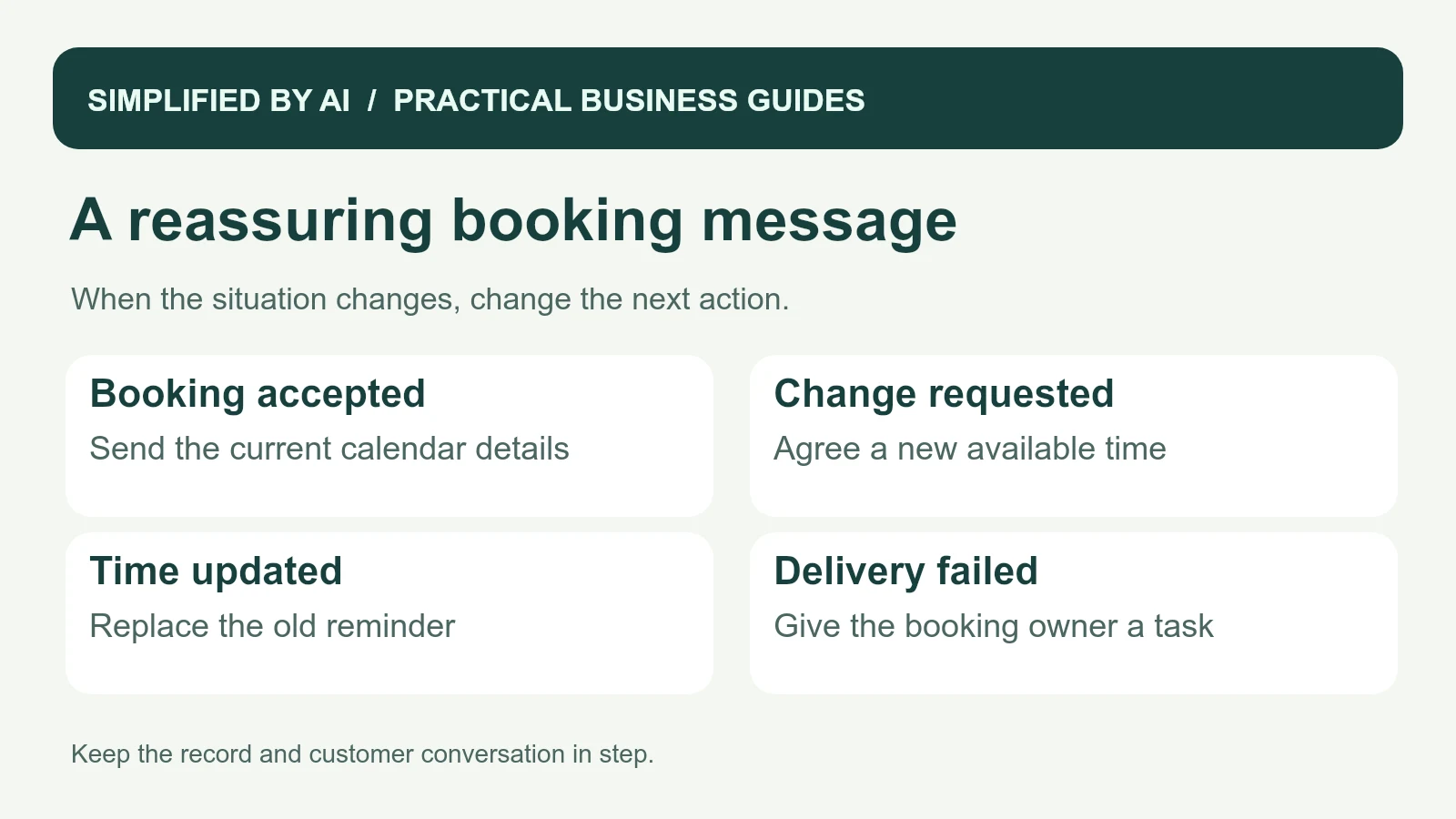
A failed delivery needs a task for the booking owner, who can check the number or use another agreed channel. A cancellation reply should stop the old reminder. A reschedule request needs an available time agreed before revised details are sent. These checks matter more than whether the first outgoing message looked right.
If your staff are doing this checking by hand every day, our customer communication service can help connect the steps. The goal is a dependable booking conversation that feels easy for the customer and keeps the team informed.
Frequently asked questions
What is an appointment confirmation text?
It is a short message sent after a booking has been accepted. It identifies the business, confirms the service and appointment details, and tells the customer how to ask for a change.
How is a confirmation different from a reminder?
A confirmation tells the customer the booking exists. A reminder arrives closer to the appointment and repeats the details. Keep both tied to the same current calendar record.
Does replying YES create the appointment?
In these examples, the appointment is already booked. YES acknowledges the details. If your process requires a reply before reserving the slot, explain that clearly and use a separate pending-booking message.
What should happen when someone asks to reschedule?
A team member should confirm a new available time, update the booking, and send the revised details. A request for a different time should not silently create a second appointment.
Give every booking a clear next step
We can help your team connect appointment records, confirmation messages, and incoming replies so customers and staff have the same information.