AI Customer Communication
AI Receptionist Cost for Small Business: What Belongs in the Budget
The subscription price is only one line item. Use this practical model to compare options without overlooking setup, oversight, or failed-call costs.
Short answer: The cost of an AI receptionist for a small business is not just a monthly software plan. A realistic budget includes recurring service and usage, one-time setup, integrations, testing, human escalation coverage, monitoring, and the business cost of a missed or mishandled call.
That is why two products with similar advertised prices can create very different total costs. One may work with your calendar and transfer rules after a short setup. Another may require custom routing, data cleanup, repeated prompt changes, and staff time every week. The better comparison is cost per correctly handled call and cost per useful business outcome.

The seven parts of an AI receptionist budget
| Cost area | What to ask | Why it changes the total |
|---|---|---|
| Base platform | Which features, phone numbers, languages, and environments are included? | A low entry plan may omit routing, reporting, or integrations you actually need. |
| Usage | Are calls billed by minute, completed call, task, or tier? What counts as an overage? | Seasonality, hold time, spam calls, and transfers can make usage unpredictable. |
| Implementation | Who maps call types, creates approved answers, configures routing, and tests scenarios? | Your team either pays a provider or contributes its own time and expertise. |
| Integrations | Will it read or write to calendars, CRM records, dispatch tools, or ticketing systems? | Connecting safely and preventing duplicate or incorrect records requires design and testing. |
| Human coverage | Who receives escalations during business hours, after hours, and during peak demand? | An escalation feature has no value if nobody reliably answers the transfer or queue. |
| Quality control | Who reviews failed calls, updates policies, and checks that answers remain accurate? | Call behavior drifts when services, staffing, hours, prices, and customer questions change. |
| Risk and recovery | What happens during outages, emergencies, disputes, or a bad handoff? | A single lost high-value opportunity can exceed months of subscription savings. |
Use a total-cost worksheet instead of a headline price
Separate one-time and recurring costs. One-time items include discovery, call-flow mapping, knowledge preparation, integration configuration, test calls, staff training, and launch support. Recurring items include the platform, usage, phone services, integration subscriptions, monitoring, maintenance, and human exception handling.
Then add an uncertainty allowance for the pilot. Early call data often reveals longer conversations, more transfers, or more message types than expected. A budget that assumes every call is short, routine, and fully resolved will usually be optimistic.
Track total monthly operating cost, cost per correctly handled call, and cost per desired outcome such as a qualified appointment or complete message. This exposes a cheap system that creates rework and an expensive system that does not improve results.
Ask us to map your receptionist workflowDefine “handled” before calculating return
A call is not successfully handled merely because software answered it. For a service business, success might mean the caller received an accurate answer, supplied the required details, booked an eligible time, or reached a person without repeating everything. For a professional office, success may require confidentiality, correct routing, and a complete message—without offering advice the system is not authorized to give.
Create a scorecard with outcomes such as resolved correctly, scheduled correctly, transferred correctly, message captured completely, abandoned, wrong answer, wrong transfer, and human recovery required. The scorecard gives cost data meaning.
Which calls should be in the first version?
Begin with repetitive, low-risk intents: business hours, service-area questions, basic appointment requests, directions, message taking, and routing to an approved department. Add only information that can be kept current and verified.
Exclude or immediately escalate emergencies, safety concerns, threatening language, payment disputes, cancellations with contractual consequences, medical or legal questions, unusual pricing, and any situation where the caller explicitly asks for a person. A small business should also have a fallback for outages and low-confidence speech recognition.
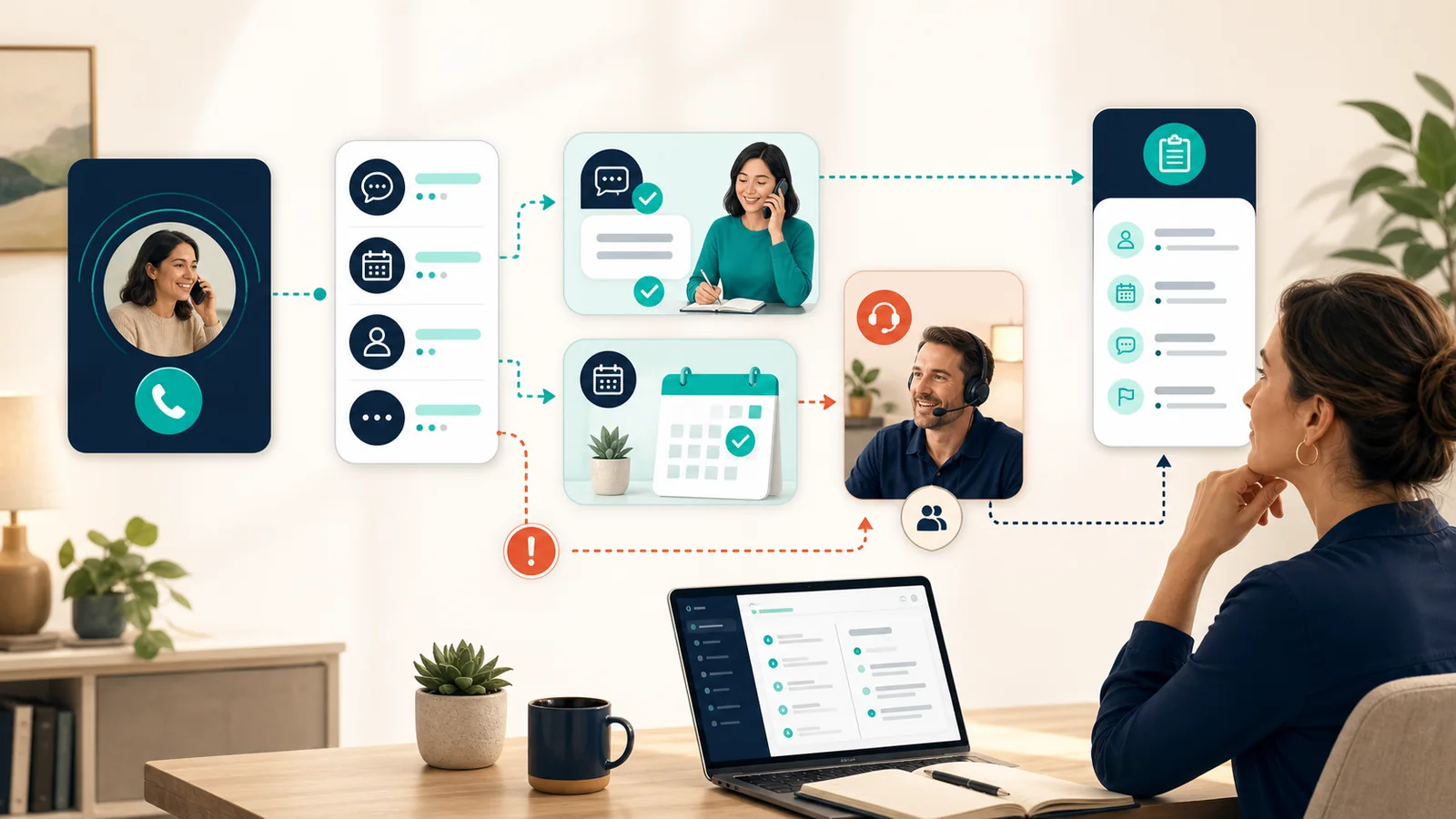
Integration costs are really process costs
Calendar access sounds simple until the workflow must account for service types, duration, travel areas, technician skills, buffers, holidays, existing customers, cancellations, and appointments that require approval. CRM access raises questions about identity matching, duplicate contacts, required fields, notes, and who can see call content.
Map the desired write action before granting access. A safer first phase may let the receptionist collect a preferred time and create a review task rather than directly booking. Once the team verifies that eligibility and routing rules are dependable, direct scheduling can be considered for a limited set of appointments.
Security, privacy, and caller expectations belong in the budget
Document what call data is collected, where it is processed, how long recordings or transcripts are retained, who can access them, and how they are deleted. Confirm vendor security and incident practices. The NIST Cybersecurity Framework 2.0 Small Business Quick-Start Guide is a useful, noncommercial starting point for protecting business systems and data. The FTC privacy and security hub provides additional business guidance.
Voice and outbound-call rules deserve specific attention. The FCC has stated that AI-generated voices fall within restrictions covering artificial or prerecorded voice calls. Review the FCC's AI-generated voice announcement and the FCC telemarketing and robocall guidance. Inbound receptionist use and outbound marketing are not the same use case, but the distinction should be designed, not assumed. Get qualified legal advice about consent, disclosure, recording, and industry-specific obligations.
These activities consume time and may require professional review. Treating them as budget items makes them less likely to be skipped.
A practical pilot sequence
- Inventory calls: Review a representative sample and group calls by intent, outcome, duration, and value.
- Choose a narrow lane: Pick two or three routine intents and define exact escalation triggers.
- Build the source of truth: Approve hours, services, locations, policies, scheduling rules, and forbidden claims.
- Test offline: Use scripted and unscripted scenarios, noisy environments, interruptions, varied speech, and requests for a person.
- Run in shadow mode: Compare proposed actions with what staff actually did before letting the system complete tasks.
- Launch with coverage: Ensure humans can receive transfers and review summaries during the pilot.
- Review weekly: Score failures, update the source material, and decide whether the next call type has earned inclusion.
Questions to put in every vendor or implementation proposal
- What exactly is included in the base price, and what creates usage or support charges?
- Can we export our call logs, transcripts, configurations, and outcome data?
- How are recordings and transcripts retained, protected, and deleted?
- What happens when confidence is low or the caller asks for a person?
- How are urgent or sensitive terms detected and tested?
- What integrations write data, and how are duplicates or failed writes handled?
- Who maintains business facts after launch, and how quickly can an incorrect answer be disabled?
- What service levels, outage fallbacks, and support channels are documented?
Connect receptionist costs to the rest of the workflow
The phone is usually one entry point, not the entire process. A useful call summary may feed lead follow-up, intake, scheduling, dispatch, or a shared inbox. For a broader first-year budget, use our AI automation cost guide for small businesses. You can also read our guide to AI-powered messaging for small businesses, review our customer communication automation service, and see how we approach small-business workflow automation. For a neutral first assessment, use the AI Opportunity Checklist.
Frequently asked questions
How much does an AI receptionist cost for a small business?
The real cost depends on call volume, minutes, features, integrations, setup, and the human coverage required for exceptions. Compare total monthly operating cost and one-time implementation cost, not only the advertised plan price.
What costs are commonly left out of an AI receptionist quote?
Commonly missed items include phone-number or forwarding fees, usage overages, integration work, knowledge-base preparation, testing, monitoring, transcript storage, vendor support, and staff time for escalations.
Can an AI receptionist replace a human receptionist?
It can handle narrowly defined routine calls, collect information, answer approved questions, and schedule within clear rules. Sensitive, urgent, unusual, or high-value calls still need a dependable path to a person.
How should a small business test an AI receptionist?
Run a controlled pilot using real call scenarios, including accents, background noise, interruptions, ambiguous requests, urgent situations, and callers who ask for a person. Review recordings or transcripts where lawful and appropriate.
Want a practical plan for this workflow?
Tell us what happens today, where customers or staff get stuck, and what a better outcome should look like. We will help you identify a narrow first implementation with clear review points.