AI Workflow Automation
AI Automation for Contractors: 8 Workflows Worth Testing First
Eight contractor-specific workflows with clear field-to-office handoffs, human review points, and a four-week pilot before wider release.

Short answer: AI automation for contractors is most useful when it helps capture job information, prepare a draft, route an exception, or confirm that a required step is complete. Strong first tests include lead intake, estimate preparation, dispatch support, field-note cleanup, change-order packets, material follow-up, closeout checks, and customer follow-up. Keep people responsible for site conditions, safety, pricing, contractual commitments, customer disputes, and final approval.
The goal is not to put a chatbot in charge of a contracting business. It is to reduce the repeated office-to-field work that causes missed details: retyping a service request, reconstructing a technician's notes, checking whether closeout photos arrived, or asking three people for the current material status. A useful automation makes the next responsible action easier to see while preserving the original evidence.
This guide is written for owner-led home-service, specialty-trade, installation, repair, and small construction teams. It covers eight testable workflows, the human handoffs each one needs, and a four-week pilot. If you need a broader comparison of opportunities first, use the AI Opportunity Checklist.
What AI automation should do in a contracting business
Separate deterministic automation from AI assistance. A rule can create a job record when a form is submitted, require a customer address, or alert a dispatcher when a promised response time is near. AI becomes useful when the input varies: a voicemail needs a summary, a technician dictates free-form notes, or an email must be matched to an open job. Use rules for known business logic and AI for bounded language work, then require review in proportion to the consequence.
The SBA's current manage-your-business hub places AI risks and benefits alongside finances, legal compliance, cybersecurity, and emergency planning. Treat AI as one part of operating the business: for a contractor, test one handoff with a named owner instead of turning on automation across sales, dispatch, field work, and accounting at once.
| Automation may | Automation should not decide alone |
|---|---|
| Collect, deduplicate, classify, summarize, draft, compare, remind, and route. | Whether a job is safe, code-compliant, technically correct, or ready for field execution. |
| Retrieve approved prices, templates, service areas, and customer records. | A final price, discount, scope exception, warranty position, or contract term. |
| Check whether required documents or fields are present. | Whether the work is complete, acceptable, billable, or legally sufficient. |
| Flag conflicts, missing facts, unusual language, and overdue handoffs. | How to resolve a complaint, emergency, injury, property-damage claim, or payment dispute. |
AI automation for contractors: 8 workflows worth testing
These workflows follow a typical job lifecycle. You do not need all eight. Pick the one with frequent volume, visible rework, clean enough inputs, and an employee who can review every pilot case.
1. Lead intake and missed-call triage
Trigger: a web inquiry, inbound email, voicemail, or eligible missed call. Automation may: create one lead record, normalize contact details, preserve the original message, identify missing intake fields, and draft a brief acknowledgment from approved language. Person decides: service fit, urgency, safety response, whether the business can make a commitment, and the next conversation.
Do not let a system convert every contact into a marketing sequence. Record the source and applicable communication preferences, suppress duplicate or opted-out contacts, and stop the sequence when a person takes ownership. If calls are the main gap, use the more detailed missed-call text-back setup and consent checklist. Communication requirements vary by channel, technology, purpose, location, and industry; obtain qualified legal advice for the specific program.
2. Estimate and proposal preparation
Trigger: intake is complete enough for an estimator to work. Automation may: assemble customer facts, site notes, measurements, approved rate references, exclusions, and missing questions into a draft packet. Person decides: site assumptions, quantities, labor plan, risk allowance, price, scope, schedule, exclusions, and final customer language.
A draft should distinguish source facts from assumptions. If the record says “panel age unknown,” the output must not silently turn that into a specific age. Require links or field references back to the source and route conflicts to the estimator. Our proposal and estimate draft workflow shows how to preserve final pricing and commitments for human approval.
3. Scheduling and dispatch preparation
Trigger: an approved job or service request needs a time and crew. Automation may: retrieve skills, service area, job duration, existing commitments, equipment needs, and customer availability; then prepare feasible options or highlight conflicts. Person decides: crew assignment, travel tradeoffs, emergency priority, fatigue, overtime, access constraints, and the time promised to the customer.
Start with recommendations, not automatic calendar changes. Dispatch conditions move during the day, and the scheduler often knows facts that are absent from the software. The pilot should measure accepted suggestions, corrections, late changes, unassigned work, and whether the proposed schedule reflects actual field capacity.
4. Field-note and photo organization
Trigger: a technician submits a voice note, form, photo set, or job update. Automation may: transcribe speech, group notes by job, prepare a structured summary, identify missing required fields, and route a question back to the technician. Person decides: whether the record accurately describes conditions, work performed, materials used, tests completed, and unresolved concerns.
The technician should confirm the structured note while the job is still fresh. Keep original notes and photos available; do not replace them with an AI summary. Treat image interpretation as a prompt for review, not proof that an installation, repair, safety condition, or code requirement is correct.
5. Change-order packet preparation
Trigger: field conditions differ from the approved scope or the customer requests additional work. Automation may: gather the original scope, dated notes, relevant photos, requested change, open questions, and an approved change-order template into a review packet. Person decides: contractual notice, entitlement, scope, price, schedule impact, authorization, and whether work may proceed.
Do not allow AI to infer agreement from a casual message or to create a binding commitment. The project manager should see the source evidence and confirm the applicable contract process. Log who approved the final document, which version was sent, and whether customer authorization was received.
6. Materials and vendor follow-up
Trigger: an open purchase item approaches a required-by date or a vendor sends an update. Automation may: match the update to the job, summarize confirmed status, flag changed dates or quantities, and prepare a follow-up task. Person decides: substitutions, rush fees, supplier changes, schedule promises, and customer impact.
Use the purchase order or approved material list as the system of record. A language model should not invent a part number or treat an unconfirmed estimate as a ship date. Track unmatched messages, conflicting dates, substitutions, and alerts that arrived too late to be useful.
7. Job closeout and invoice-readiness checks
Trigger: the field team marks work ready for closeout. Automation may: check for required notes, photos, signatures, test results, material records, open tasks, and customer-facing documents; then draft a closeout summary or missing-item list. Person decides: whether the job is complete, whether deficiencies remain, what is billable, and when the invoice may be released.
A completeness check is not a quality inspection. It can confirm that a photo exists, but not that the work shown satisfies the contract or a technical requirement. For the narrative portion, see the job closeout summary workflow.
8. Warranty, maintenance, and review follow-up
Trigger: a confirmed job outcome reaches an approved follow-up date. Automation may: check eligibility, prepare a reminder or review-request draft, create a maintenance task, and stop when a reply needs attention. Person decides: how to handle dissatisfaction, warranty questions, property damage, a callback, unusual conditions, or any promise beyond approved policy.
Do not ask for a public review before the team confirms the job outcome, and do not bury a complaint inside a campaign. Replies that express concern should pause routine follow-up and reach an authorized employee with the original job context.
Build one reliable field-to-office handoff
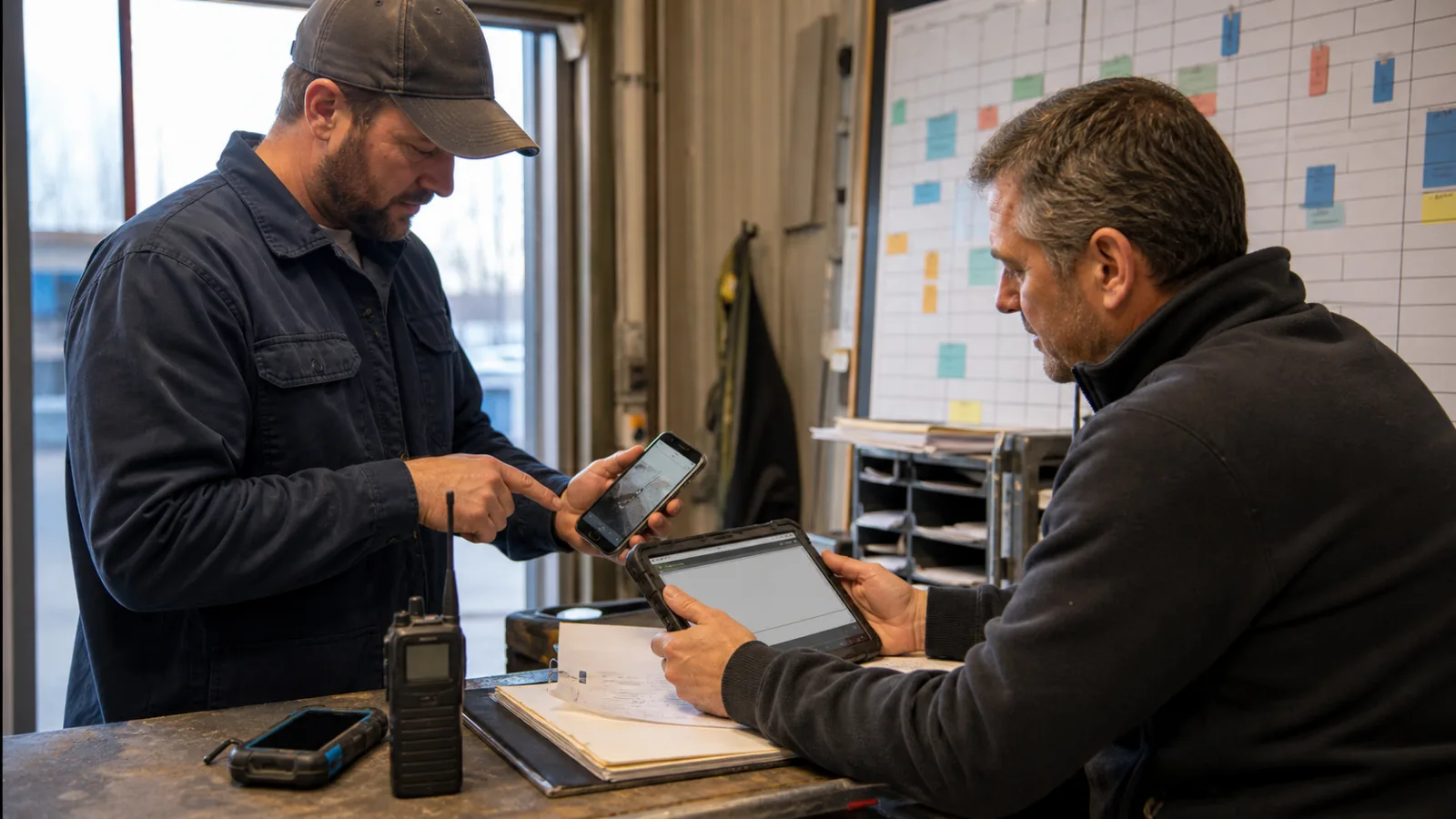
A contractor workflow usually fails between systems or people, not inside one prompt. Define the record states before choosing software so everyone can see what happened and who owns the next move.
- Receive: preserve the original call, form, message, field note, photo, or status event with time and source.
- Validate: confirm job identity, required fields, duplicate status, permission, and the approved source of business facts.
- Prepare: let rules and AI create only the allowed summary, draft, checklist, comparison, or task.
- Review: show the assigned person the proposed action, source evidence, missing facts, and reason for escalation.
- Commit: write the approved result to one system of record and record who accepted it.
- Monitor: reconcile failures, duplicate writes, overdue reviews, corrections, and changes to tools or source data.
Digital.gov's discovery operations guide describes observing the people involved, keeping good records, synthesizing findings, and adjusting the problem frame when research shows it was off target. Although written for public-service design, that approach fits contractor automation: watch how dispatchers, estimators, technicians, and bookkeepers really exchange work before designing a replacement.
Put review and escalation into the operating design
“Human in the loop” is incomplete unless the loop has a name, response target, authority level, and fallback. Decide what the automation does while waiting. In most contractor pilots, the safe default is to hold the proposed action, preserve the evidence, alert a backup after a defined time, and keep manual work available.
| Condition | Primary reviewer | Required response |
|---|---|---|
| Missing, conflicting, or low-confidence job facts | Dispatcher, estimator, or technician who owns the record | Correct the source, approve a bounded draft, or return the case for more information. |
| Price, scope, change order, warranty, or schedule commitment | Owner, estimator, or project manager with authority | Review evidence and make the final business decision before anything is sent or changed. |
| Safety, injury, property damage, emergency language, or technical uncertainty | Designated field leader or qualified specialist | Pause automation and follow the existing safety or incident procedure. |
| Complaint, payment dispute, cancellation, or explicit request for a person | Authorized customer-service or management owner | Stop routine messaging, preserve history, and respond through the approved path. |
| Failed write, duplicate record, outage, or unexpected volume | Workflow owner and technical contact | Disable the affected action, reconcile records, and use the manual fallback. |
The voluntary NIST AI Risk Management Framework Core calls for documented roles, test sets, performance measures, production monitoring, override, incident response, recovery, and change management. A small contractor does not need a large governance department to use those ideas: name the owner, save representative cases, measure corrections, and document how to pause and recover.
Protect customer, employee, and job data
Contractor records may include home addresses, access instructions, photos inside customer property, payment details, employee information, signatures, building plans, account credentials, or insurance documents. Inventory what enters the workflow, minimize it, restrict permissions, and decide how long prompts, transcripts, files, and logs are retained. Test with synthetic or redacted data when practical.
Ask these questions before connecting a tool
- Which systems, folders, mailboxes, calendars, cameras, and fields can the tool read or change?
- Can access be limited to the specific records and actions required for the pilot?
- Are customer or business inputs retained, used to improve models, or shared with subprocessors?
- Where are prompts, transcripts, files, outputs, and logs stored, and who can export or delete them?
- How are former employees, vendors, and integrations removed from access?
- What alert shows a failed action, permission change, unusual volume, or suspected incident?
The FTC's AI privacy and confidentiality guidance emphasizes reviewing provider commitments about how customer and business data is collected, used, and protected. NIST also offers small-business cybersecurity and privacy quick-start guides for organizations with modest security resources. These sources provide general guidance, not a determination of the requirements for your contract, trade, data, or location; obtain qualified security and legal advice where needed.
Choose the first workflow with a contractor scorecard
Score candidates before buying software. A high-frequency nuisance is not automatically a good pilot if every case depends on undocumented field judgment. Favor work that is repeated, observable, reversible, and owned.
| Factor | Strong first candidate | Warning sign |
|---|---|---|
| Volume | Enough similar cases each week to test. | Rare, seasonal, or materially different cases. |
| Inputs | Required facts come from known forms or records. | Critical knowledge lives only in memory or scattered messages. |
| Output | Draft, checklist, summary, or proposed task is easy to inspect. | Irreversible customer, financial, safety, or system action. |
| Exceptions | Experienced staff can name and route common exceptions. | No agreement on what should happen when facts conflict. |
| Ownership | One employee owns quality and a backup covers absences. | The vendor or “the AI” is treated as the owner. |
| Baseline | Delay, handling time, corrections, or completion can be counted. | Success is described only as “saving time” or “using AI.” |
Compare implementation and operating expenses with the small-business AI automation cost guide. If the workflow crosses several systems or lacks a clear internal builder, the tool-versus-consultant decision guide can help you choose a delivery route.
Run a four-week contractor automation pilot
Complete a preflight first: choose one workflow, name the owner and backup, record the baseline, approve the data sources, assemble normal and difficult cases, define the permitted output, and write stop conditions. Keep the test small enough that the team can inspect and recover every case.
- Week 1 — observe and baseline: follow real work from trigger to final record. Count cases, delays, re-entry, missing facts, corrections, calls between field and office, and time spent reconstructing context. Freeze the first-version scope.
- Week 2 — shadow: let the workflow prepare outputs without contacting customers, changing schedules, authorizing work, or writing final records. Compare each result with the experienced employee's decision and label every correction.
- Week 3 — assisted use: allow trained staff to accept or edit validated drafts and checklists. Exercise missing data, duplicate jobs, conflicting notes, urgent language, unavailable reviewers, outages, and manual fallback.
- Week 4 — limited release: permit only the lowest-risk action that passed shadow and assisted testing for a controlled share of eligible cases. Review quality, staff effort, customer impact, security events, and recovery before deciding to stop, revise, or expand.
Measure outcomes that a contractor can verify
- Eligible cases and correct completed results—not total AI runs.
- Missing-field, misclassification, duplicate, and correction rates.
- Minutes from field submission to accepted office record.
- Estimator, dispatcher, technician, and manager review minutes.
- Overdue handoffs, callbacks, unbilled closeouts, or another workflow-specific backlog.
- Customer confusion, complaints, opt-outs, repeat contacts, or broken commitments.
- Failed writes, permission problems, unavailable integrations, and successful manual recoveries.
Pause the pilot if it sends an unauthorized commitment, obscures original evidence, misroutes a safety or complaint case, creates duplicate financial or customer records, exposes information, prevents manual recovery, or produces more repair work than the team can handle. Expand only after the owner can explain how the workflow fails and demonstrate the recovery path.
Decide what to test first
For many contractors, the best starting point is a reviewable administrative handoff: organize field notes, prepare an estimate packet, check closeout completeness, or surface a missed follow-up. Those tasks can improve visibility without asking software to make the business's hardest decisions.
Use AI workflow automation to see how we map triggers, records, handoffs, and controls. Our AI consulting for trades and field teams explains the contractor fit. If you want help selecting and testing one workflow, explore AI automation services for small businesses or book a consultation with the current process, a few representative examples, and the result you want to measure.
Frequently asked questions
What is AI automation for contractors?
It is a bounded workflow that uses rules, integrations, and sometimes AI to collect, organize, summarize, draft, check, or route contracting work. A responsible setup defines the source record, permitted action, reviewer, exception path, measurement, and manual fallback.
Which contractor workflow should I automate first?
Start with frequent, low-consequence administrative work that has consistent inputs and an easy-to-review output. Field-note organization, estimate-packet preparation, missed-information checks, or closeout completeness can be better first tests than autonomous pricing, scheduling, or customer commitments.
Can AI prepare contractor estimates?
AI can organize verified intake facts, retrieve approved references, flag missing details, and prepare a draft packet. An experienced authorized person should confirm measurements, site conditions, quantities, labor, pricing, exclusions, technical requirements, and final customer language.
Can AI schedule and dispatch technicians automatically?
It can prepare options using known skills, location, availability, duration, and equipment requirements. Begin with suggestions because live dispatch also depends on urgency, safety, fatigue, customer promises, changing field conditions, and knowledge that may not be recorded in software.
How long should a contractor automation pilot run?
Four weeks is a practical starting structure for a modest-volume workflow: baseline, shadow testing, assisted use, and limited release. Extend the test if normal volume is low, seasonal cases are missing, serious exceptions have not appeared, or the team has not demonstrated escalation and manual recovery.
Want a practical plan for this workflow?
Tell us what happens today, where customers or staff get stuck, and what a better outcome should look like. We will help you identify a narrow first implementation with clear review points.